
Data display & interaction · Flexible customization
SAP GUI Alternative – Mobile User Interfaces for SAP Data
Support shopfloor, logistics or maintenance teams with user interfaces tailored precisely to their daily tasks.
Optimized Interfaces for Production and Logistics
Integrate SAP data into custom user interfaces – easy-to-navigate, mobile-friendly and interactive
With SAP GUI, SAP provides a graphical user interface that enables access to SAP systems. The different versions SAP GUI for Windows, SAP GUI for Java, and SAP GUI for HTML ensure compatibility with various operating systems and use cases.
For even more flexibility, manubes allows you to integrate SAP data directly into custom applications. This makes it possible to adapt user interfaces more flexibly to your processes, design them without restrictions and extend them with additional data, integrations, and operational support tools.
Flexible GUI design with manubes
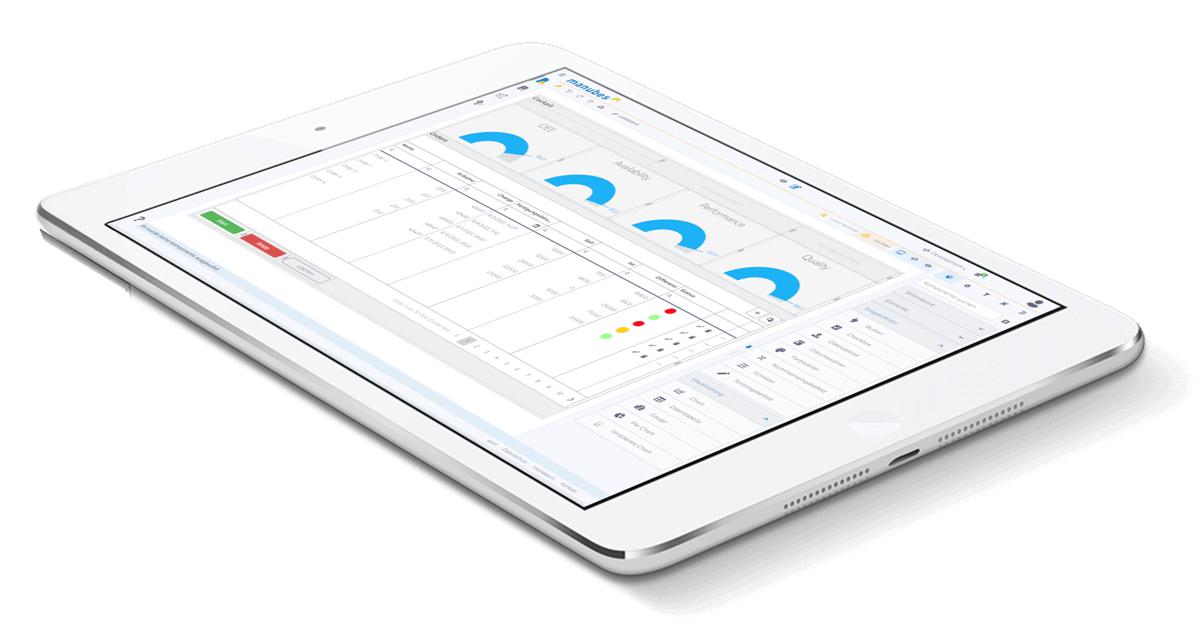
manubes provides design tools to create custom user interfaces that allow display and interaction with SAP data.
These mobile GUIs make information on production orders or material movements available exactly where it is needed – without any delay. Enable your teams to submit confirmations and status updates with a single click and integrate QR code or barcode scanning to streamline workflows.
Ensure that limited SAP expertise and specific operational requirements no longer slow you down. Instead, allow your teams to focus fully on their core tasks – while maintaining full transparency and consistent, end-to-end data accuracy.
GUIs for Shopfloor, Logistics and more
Solutions for different areas of production
Provide mobile GUIs for displaying and interacting with SAP data across different production areas – including logistics, shopfloor, quality assurance and maintenance.
Intralogistics / Material Supply
With manubes, you can display SAP transfer orders directly in the warehouse or on the forklift. Responsible staff gain access to all relevant information, including quantities, storage locations, due dates and priorities.
On-site teams can update statuses that are immediately reflected at the production line. At the same time, the system can trigger notifications and update warehouse inventory levels. This ensures smooth coordination between logistics and production.
Your benefit: Create transparency for upcoming logistics tasks, track the status of material movements and prevent delayed production starts caused by missing pallets.
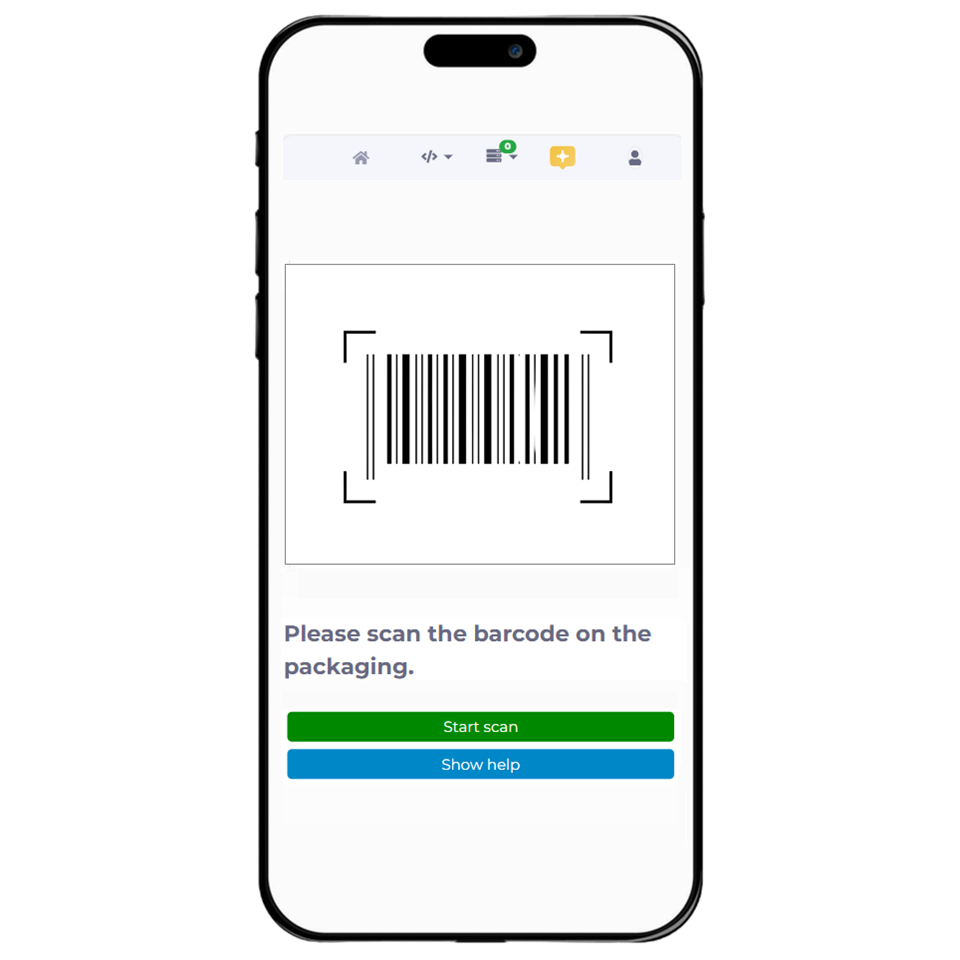
QR Code scanning speeds up processes and prevents material mix-ups
Shopfloor
Display current production orders for machine operators and line supervisors – including target quantities, material status, delays and more.
Integrate simple confirmation options and ensure seamless, real-time synchronization between SAP and the production line.
Your benefit: Create full transparency across all active and upcoming production orders and provide shopfloor teams with the data they need. This prevents delays caused by missing information and reduces follow-up questions, manual coordination and incorrect decisions.
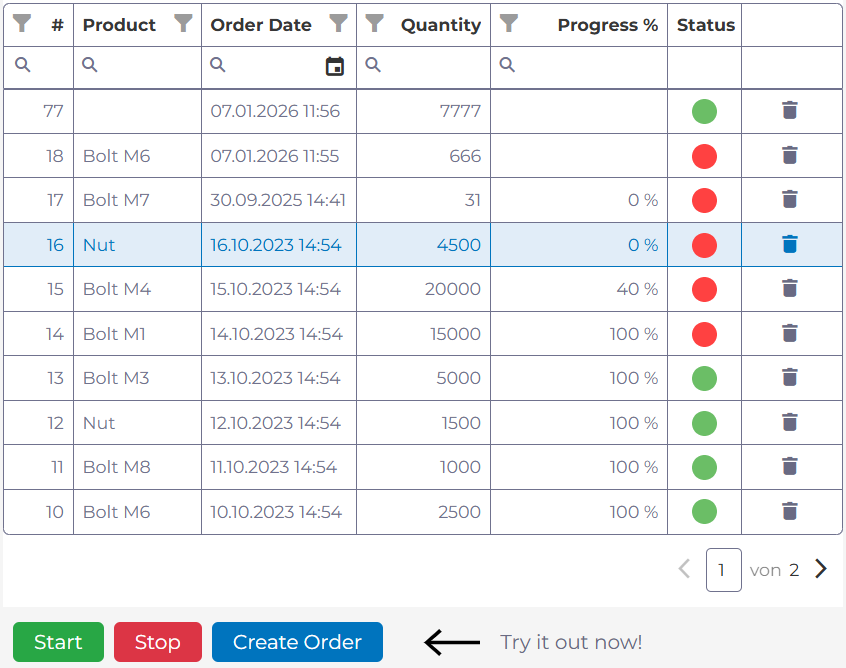
Example: Displaying and managing production orders with manubes
Quality Inspection
Support incoming goods inspections, in-process inspections or end-of-line inspections with dedicated user interfaces.
Teams get a clear overview of upcoming inspections, including information on receiving location, material specifications and inspection characteristics. Add checklists, work instructions and multimedia content such as images or videos when needed.
Ensure that results are written back directly to SAP and other systems. You can also set up custom workflow automations that trigger when an inspection fails.
Your benefit: Provide tools that speed up and standardize quality inspections. This helps you avoid inconsistencies and ensures that results and related KPIs are available without delay.
Maintenance
SAP-integrated maintenance interfaces let you view and update current maintenance orders.
Submit information such as operating hours or missing spare parts via prebuilt forms and trigger the appropriate workflows. By integrating with SAP interfaces, confirmations cn be processed directly in the SAP system, avoiding media breaks and keeping order statuses transparent at all times.
Your benefit: Ensure maintenance works with up-to-date data. Save time through automated workflows, improve data quality with standardized forms, and reduce response times for disruptions and spare parts needs.

Transparent Production. Optimized Processes.
Manage production data on a central platform and create your own dashboards, workflow automations and mobile applications.
manubes offers the right tools to optimize your production – flexible and easy-to-use.
Implementation & Tools
Implementation with manubes – flexible, customizable and fully integrated
The manubes Page Designer makes it easy to create interactive dashboards, visualizations and custom GUIs. Users can add tables, status indicators or charts and link them directly to data sources, including connected SAP systems. Elements such as forms and QR code scanning allow targeted interaction with SAP data via mobile interfaces.
In the background, the Workflow Designer manages structured data exchange with SAP systems. You can link workflow automations to elements such as buttons to trigger updates and data queries by on-site teams.
Production data from SAP and other sources can be stored in custom data models to simplify further processing.
Try manubes for free
Test the different manubes features in your personal cloud environment.

